The Video Section
One video, given the full width, with an optional caption underneath.
Best for: A workshop film, a product demonstration or a welcome message.

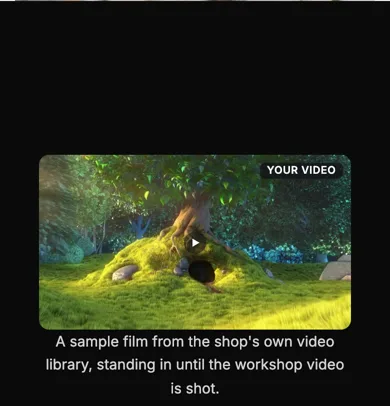
See it in action: the Video section on our demo shop's Workshop page. Our demo shop, perrywhite.indiemade.com, is built entirely with the Section Builder, so you can try it on a computer and a phone. The video there is from the shop's own video library. For YouTube videos, see the Video grid just below it.
On a phone
Adding it
Turn on the Editor, click Add new section here, and choose Video under Section Builder. It starts with sample words and pictures; replace them with your own. Click Modify on the section's toolbar to open its drawer. The steps, with pictures, are in Building Pages with the Section Builder.
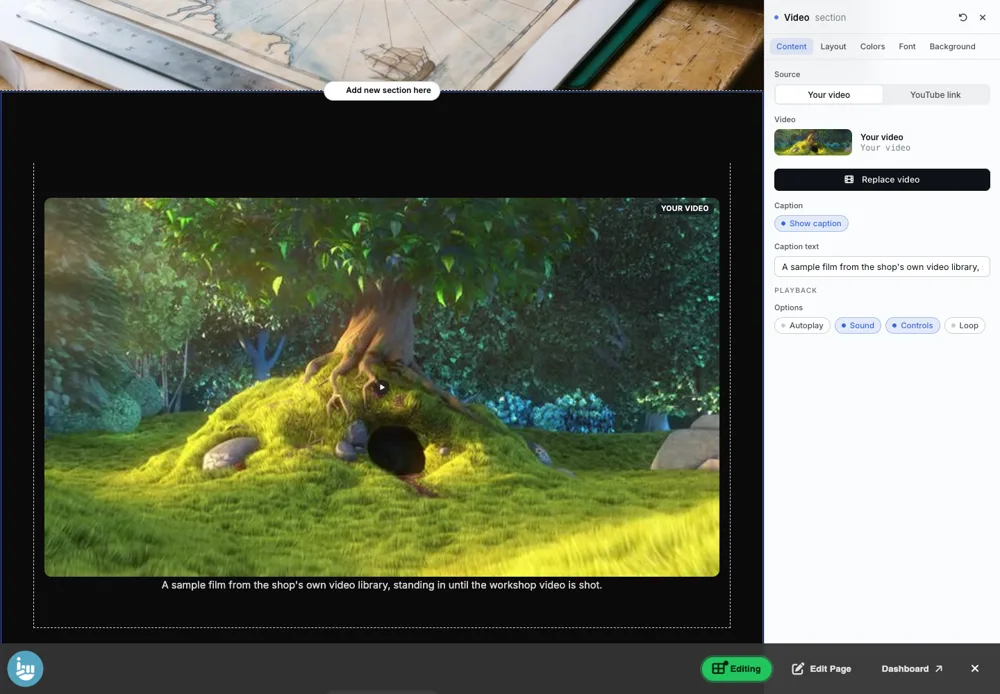
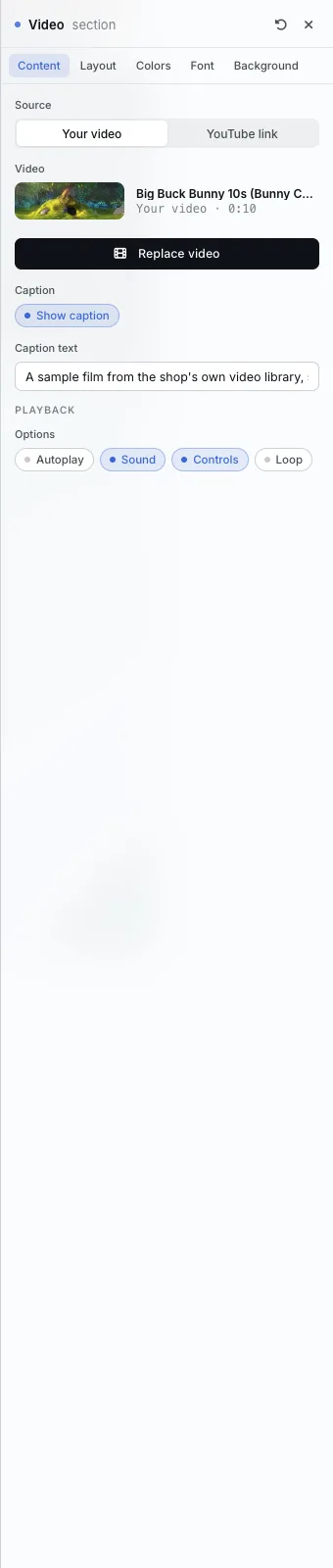
The Content tab
- Source: Your video (from your video library) or YouTube link.
- Replace video to choose another.
- Caption: show it and type it.
- Playback: Autoplay, Sound, Controls and Loop.
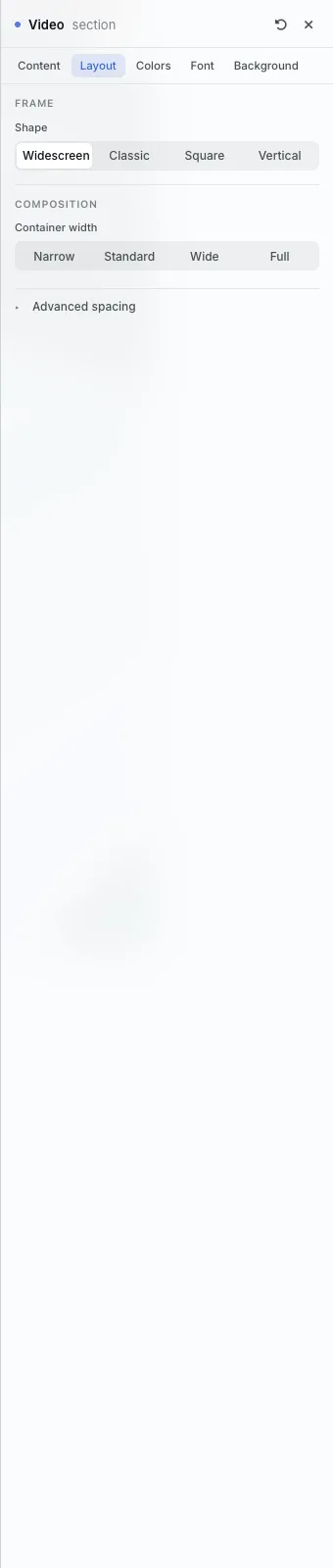
The Layout tab
- Shape: Widescreen, Classic, Square or Vertical.
The settings every section shares are explained in Section Colors, Fonts and Backgrounds. Most sections also have Container width, Density and Advanced spacing.
Video also has the Colors, Font and Background tabs.
Tips
- Your own videos need Product Videos, part of the Plus plan. A YouTube link works on every plan.
- An autoplaying video starts muted on most browsers.
All Section Builder sections · Questions? Email support@indiemade.com.