The Custom Section
Describe the section you want in plain words and it is built for you, or paste your own HTML and CSS.
Best for: Anything the other sections do not do: a size chart, a bulb guide, a price table.

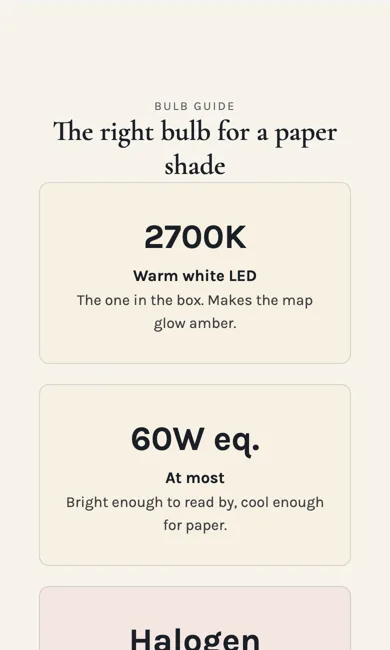
See it in action: the Custom section on our demo shop's Custom Maps page. Our demo shop, perrywhite.indiemade.com, is built entirely with the Section Builder, so you can try it on a computer and a phone.
On a phone
Adding it
Turn on the Editor, click Add new section here, and choose Custom under Section Builder. It starts with sample words and pictures; replace them with your own. Click Modify on the section's toolbar to open its drawer. The steps, with pictures, are in Building Pages with the Section Builder.
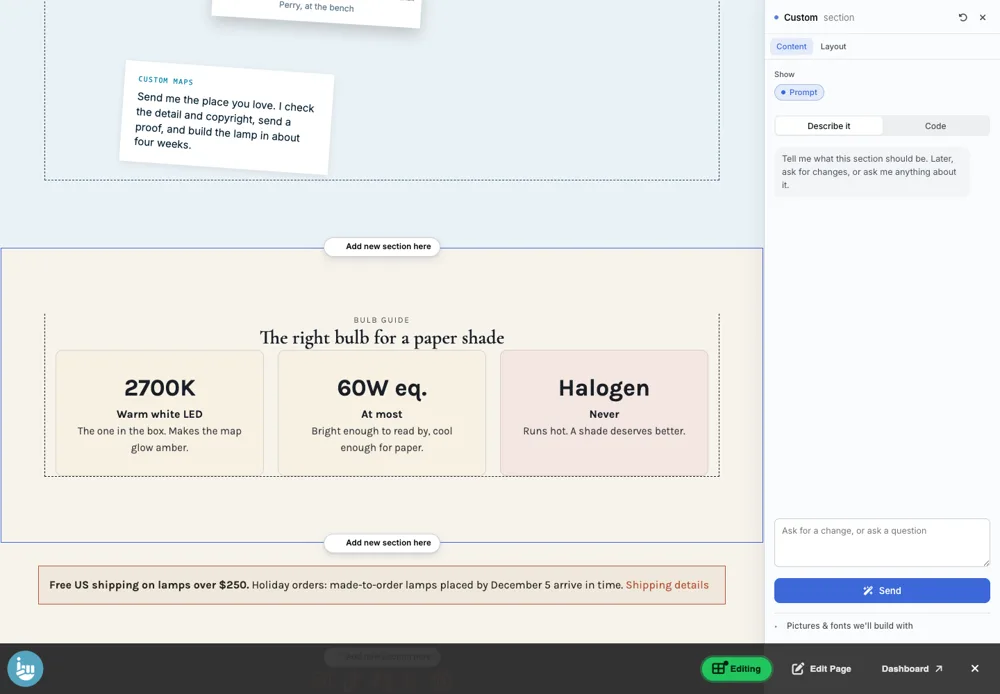
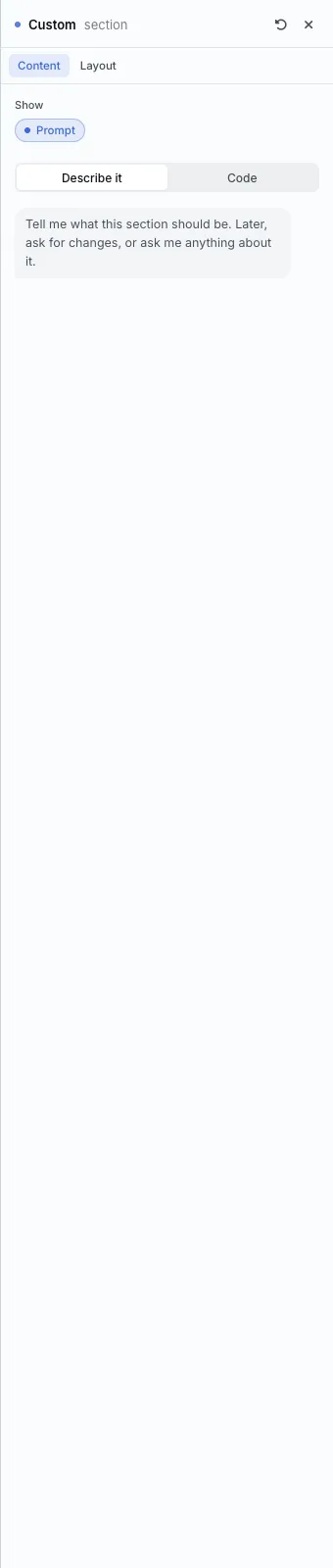
The Content tab
- Describe it: tell it what the section should be, then Send. Later, ask for changes, or ask anything about it.
- Code: paste or edit the HTML and CSS yourself.
- Pictures and fonts we'll build with: choose what it may use.
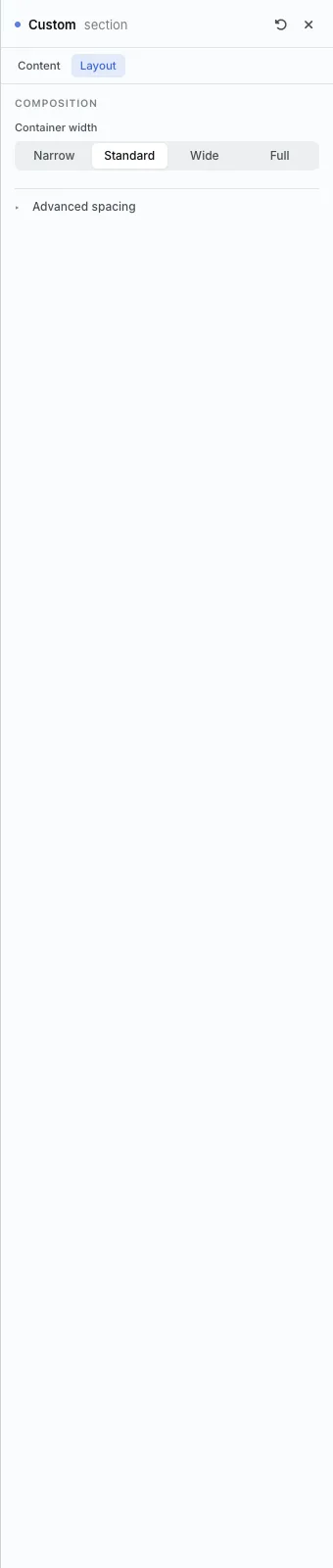
The Layout tab
- Container width, as on every section.
The settings every section shares are explained in Section Colors, Fonts and Backgrounds.
Custom builds its own look from your description, so it has only the Content and Layout tabs.
Tips
- It uses your shop's fonts and colors, and it stays inside its own section, so the rest of your page is never affected.
All Section Builder sections · Questions? Email support@indiemade.com.