The Section heading Section
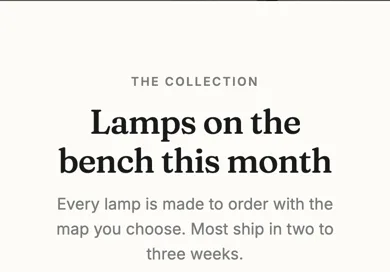
A small label for what comes next: an optional eyebrow, a title and a line or two of description. No buttons and no pictures, on purpose.
Best for: Naming the section below it, such as a grid of products or a set of cards.

On a phone
Adding it
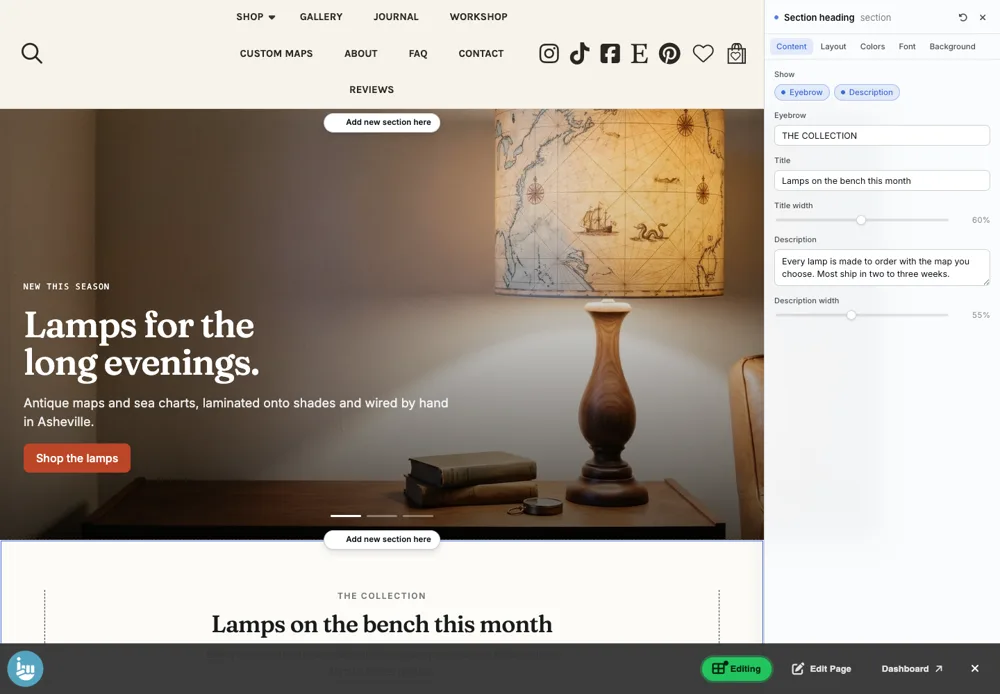
Turn on the Editor, click Add new section here, and choose Section heading under Section Builder. It starts with sample words and pictures; replace them with your own. Click Modify on the section's toolbar to open its drawer. The steps, with pictures, are in Building Pages with the Section Builder.
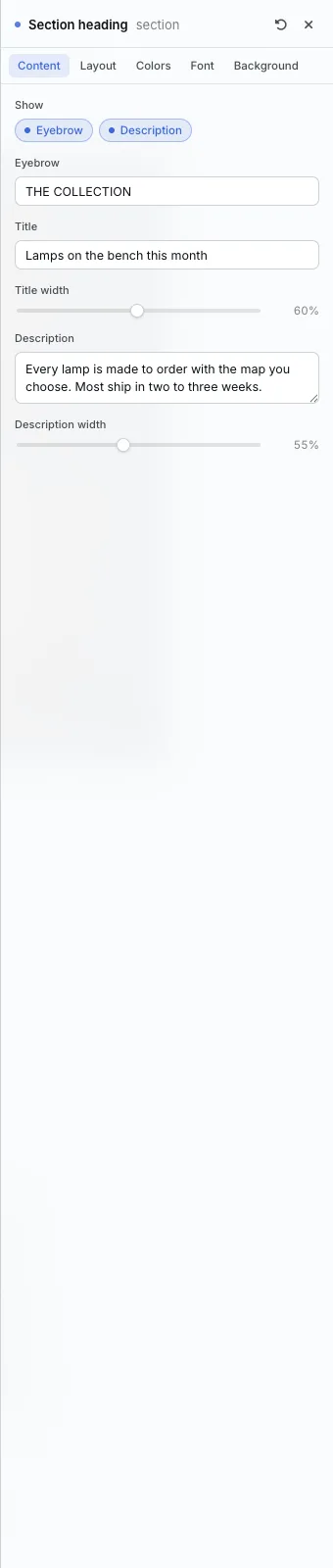
The Content tab
- Show: turn the Eyebrow and Description on or off.
- Eyebrow, Title and Description, with Title width and Description width.
The Layout tab
- Variant: Left (lines up with the content below) or Centered.
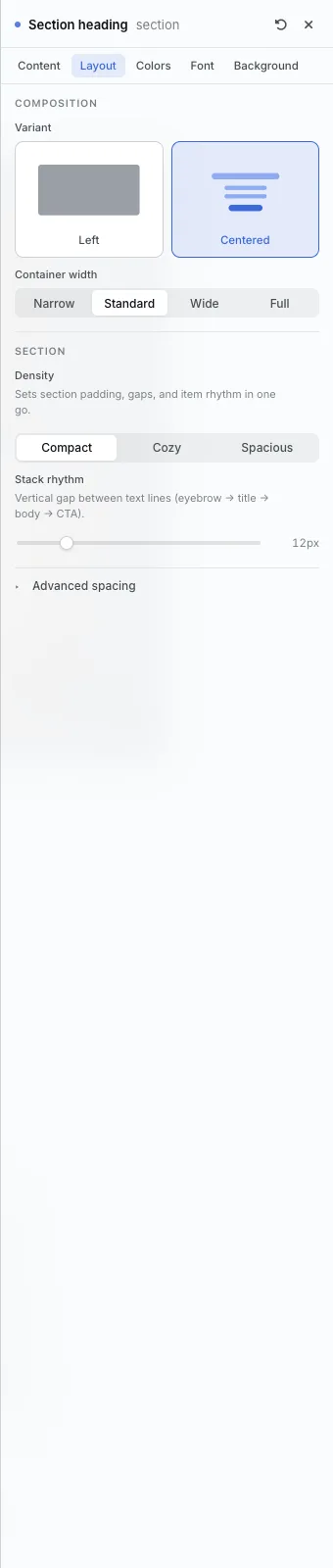
The settings every section shares are explained in Section Colors, Fonts and Backgrounds. Most sections also have Container width, Density and Advanced spacing.
Section heading also has the Colors, Font and Background tabs.
Tips
- Place it directly above the section it names, and match its alignment to that section.
All Section Builder sections · Questions? Email support@indiemade.com.